
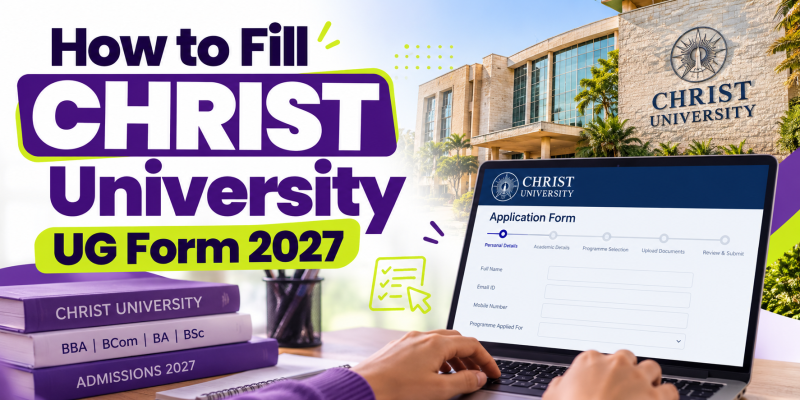
Planning to apply to CHRIST (Deemed to be University) for an undergraduate course in 2027? This short guide explains how to fill the CHRIST University UG application form, what documents to keep ready, and what to check before submitting. The process is online, and requirements may vary by programme and campus.
Quick Answer
Visit the official admissions website, register with your details, verify your account, log in, select your UG programme and campus, complete personal and academic sections, upload the required documents, review the form and pay the application fee. Save your application number and payment receipt after successful submission.
Watch the CHRIST UG Form-Filling Video
Follow our video guide for a visual walkthrough of the application process:
Watch on YouTube: CHRIST University UG Form Filling 2027
Video link: https://youtu.be/Q8h3l9-fh9c?si=Om8swNl20tWwIArn
Official Application Links
CHRIST University UG Application Instructions: Open official instructions
Online Application Portal: Apply online
UG Selection Process 2027: Check selection details
Documents to Keep Ready
- Class 10 marksheet.
- Class 11 final report or Class 12 marksheet/result, as applicable.
- Recent formal photograph with a white background, following portal specifications.
- Active email address and mobile number.
- Parent/guardian details and address information.
- Online payment method for the application fee.
Step-by-Step: How to Fill the Form
1. Register online
Open the official application portal and create a one-time registration ID. Enter your name exactly as shown on your Class 10 certificate, a valid email ID, mobile number and date of birth. Verify the OTP. Check details carefully because some registration information cannot be edited later.
2. Log in and choose your programme
Use your registered email ID and password. Select your preferred undergraduate programme and campus, and review the programme-specific eligibility criteria before continuing.
3. Complete personal details
Fill in the requested personal, parent/guardian, address, extracurricular and sports information accurately.
4. Add academic details and upload documents
Enter your educational details and upload clear copies of the required Class 10 and Class 11 final report or Class 12 marksheet/result, as applicable. Follow the photograph specifications shown on the portal.
5. Select the selection process
Depending on the programme, select the available entrance-test date and/or selection-process date and venue. Review the official schedule carefully because changes may not be allowed after the application number is generated.
6. Preview and pay
Review every field before submitting. Pay the fee shown on the portal using an available payment method. The fee varies by programme and is non-refundable once the application number is generated.
7. Save your application number
After successful payment, save the nine-digit application number, download or print the application form, and keep the payment receipt for reference.
Important Tips for UG Applicants
- Use only the official CHRIST University website and application portal.
- Review programme eligibility, deadlines and campus preferences before applying.
- Upload clear academic documents; incomplete or unclear marksheets may affect eligibility.
- Keep your registered email and mobile number active.
- Check your application login regularly for selection-process updates.
What Happens After Submission?
Depending on the programme, the selection process may include an entrance test, Skill Assessment, Micro Presentation and Personal Interview, or other specified stages. Check the official selection-process page for your course. If selected, follow the offer letter instructions and complete admission formalities within the stated deadline.
Frequently Asked Questions
Where can I fill the CHRIST University UG Form 2027?
Apply through the official portal: https://espro.christuniversity.in/Application/.
What documents are required?
Keep your Class 10 marksheet, Class 11 final report or available Class 12 marksheet, photograph, contact details and other programme-specific documents ready.
What is the application fee?
The fee depends on the programme. Confirm the exact amount displayed on the official portal before paying.
Is an entrance test compulsory for every UG programme?
No. The selection process differs by programme. Check the official criteria for your chosen course.
What should I do after submitting the form?
Save your application number and receipt, then monitor your application login and email for updates.
Ekoching Expert Insight
Students should track application deadlines alongside Class 12 board preparation. Keep digital copies of documents ready, check the selection process for each programme and avoid waiting until the last date. Students exploring undergraduate management careers can also compare BBA and IPMAT-related pathways before deciding on their preparation plan.
